
Your front desk, minus the desk.
It’s 11pm and someone wants to book a cabin. Patti’s on duty — answering with the nights that really are open, holding the booking for your OK, and lining up the cleaner before checkout day.
Every unit. Every night. One glance.
Arrivals today, departures today, who’s staying tonight, and whether the turnovers are clean — with the whole month for every cabin, cottage, and RV site on one calendar.
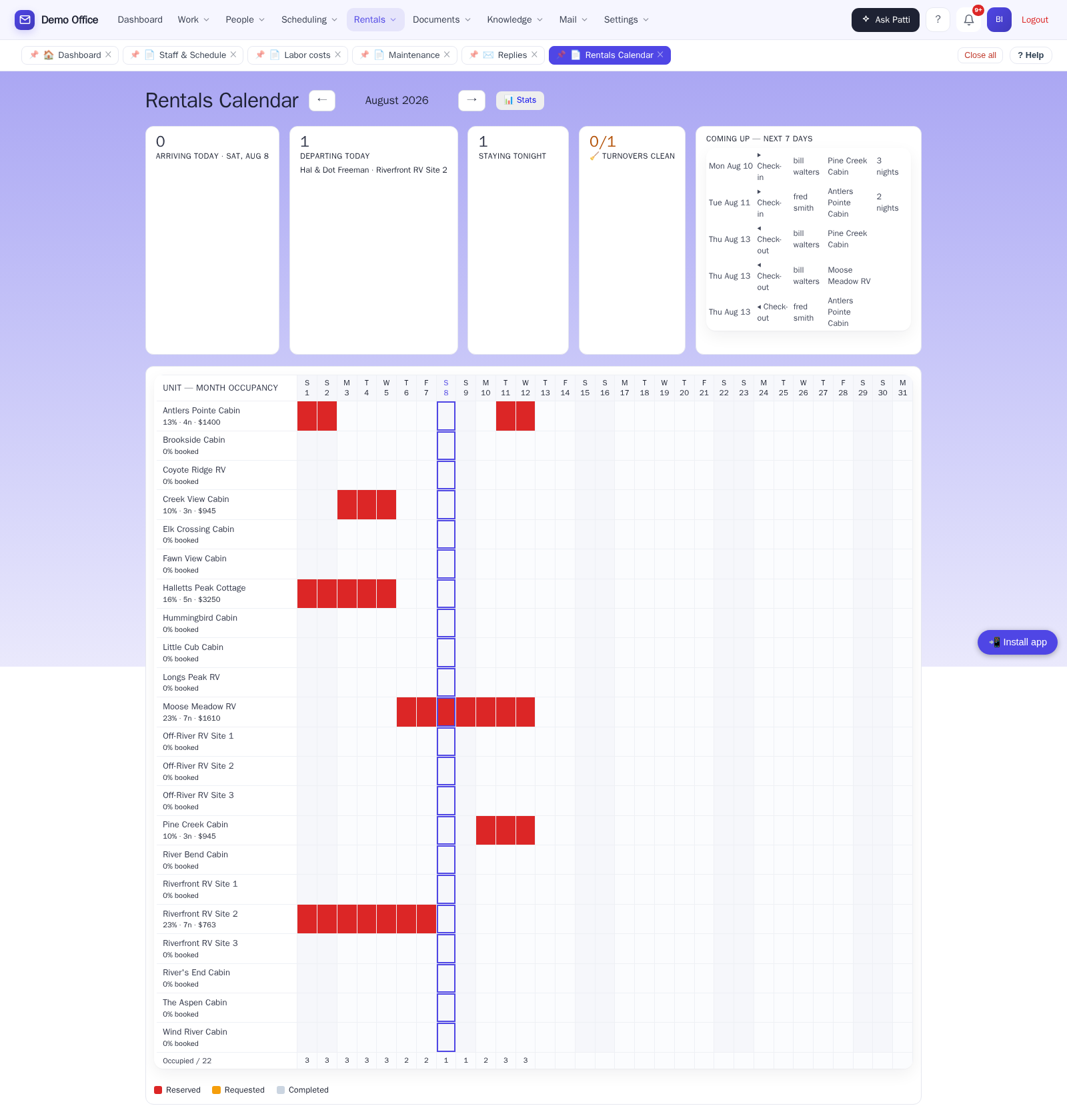
🧹 Cleaning that schedules itself
When a guest checks out, a turnover appears — automatically. Same-day turnovers are flagged red so nothing gets tight without you knowing. And your cleaners? They get their list by text message. No app. No login. No training.
- Turnovers generated from checkouts, assigned to your staff
- Same-day turnovers flagged red
- Cleaners confirm by text when the unit’s ready
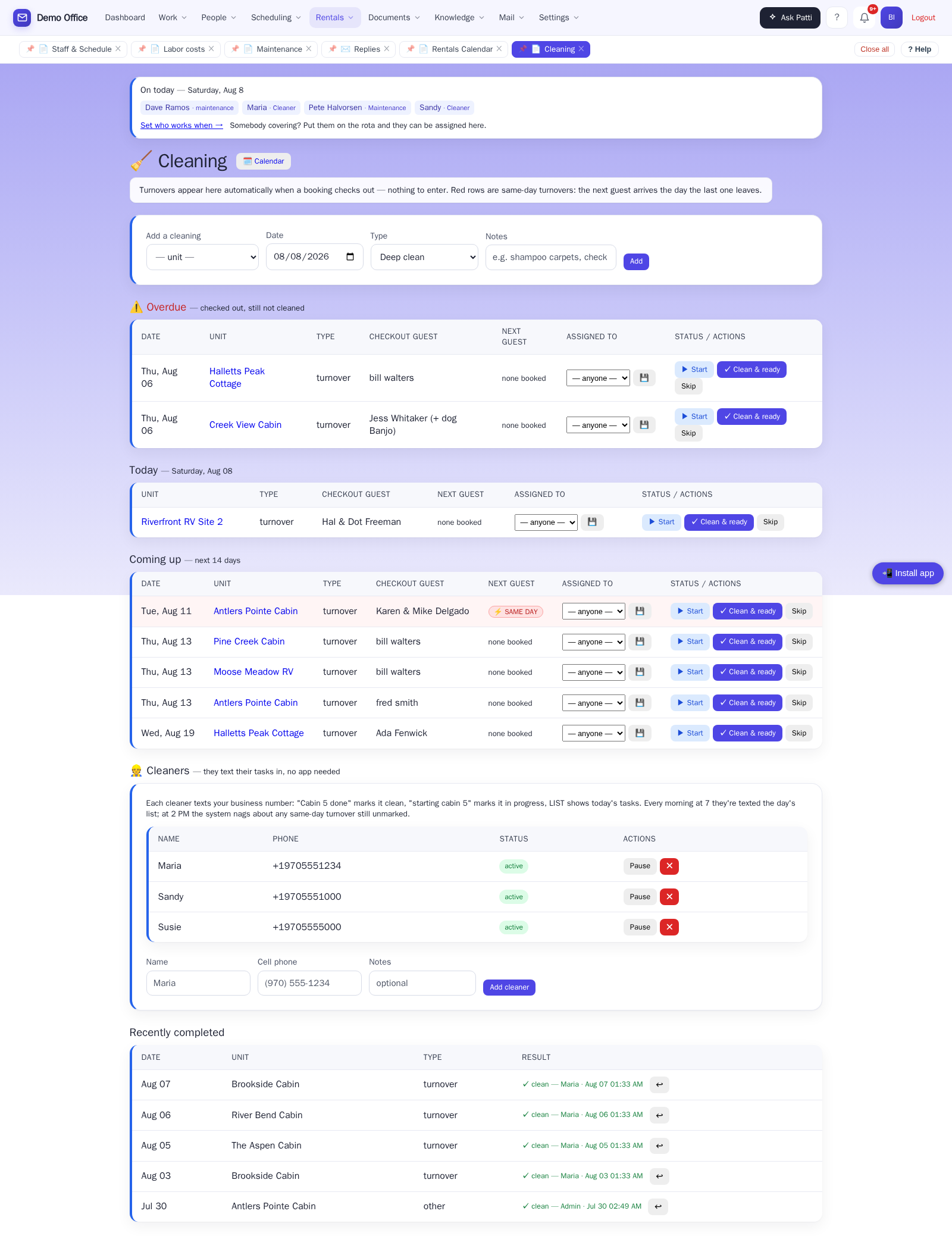
🔧 A second crew, a second calendar
Cleaning and maintenance are different people — so Patti gives each crew its own board, and neither one ever sees the other’s work. Every repair, on a calendar of its own: urgent in red, waiting-on-parts in amber, and undated jobs held in a backlog so nothing is forgotten just because it isn’t scheduled yet.
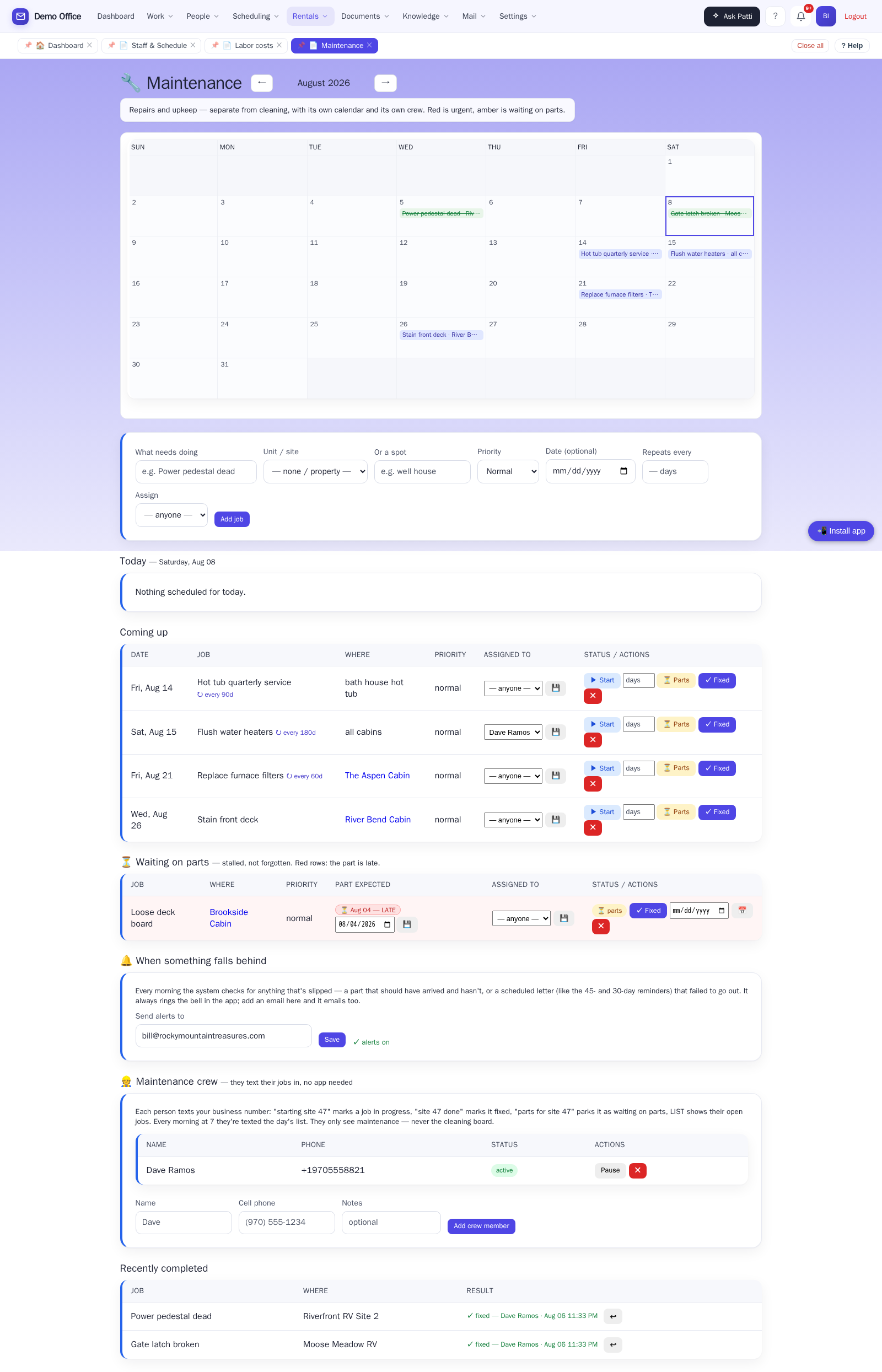
📱 Your handyman doesn’t want an app
He wants a text that says what’s broken and where. Patti sends it every morning at 7 — the day’s jobs, straight to his phone. He texts back “starting site 47”, “site 47 done”, or “parts for site 47”, and the board updates in the office. Same no-app, no-login, no-training story as your cleaners — on purpose.
- Add a maintenance person with just a name and cell number
- Recurring upkeep — septic pump-out, furnace filters, hot tub service — set “repeats every 90 days” once, and the next job appears by itself when this one’s marked done
- A cleaner’s phone can only ever touch the cleaning board; a maintenance phone only maintenance. Hand each crew their page with confidence.
Crew texting uses the same texting add-on as cleaner texts.
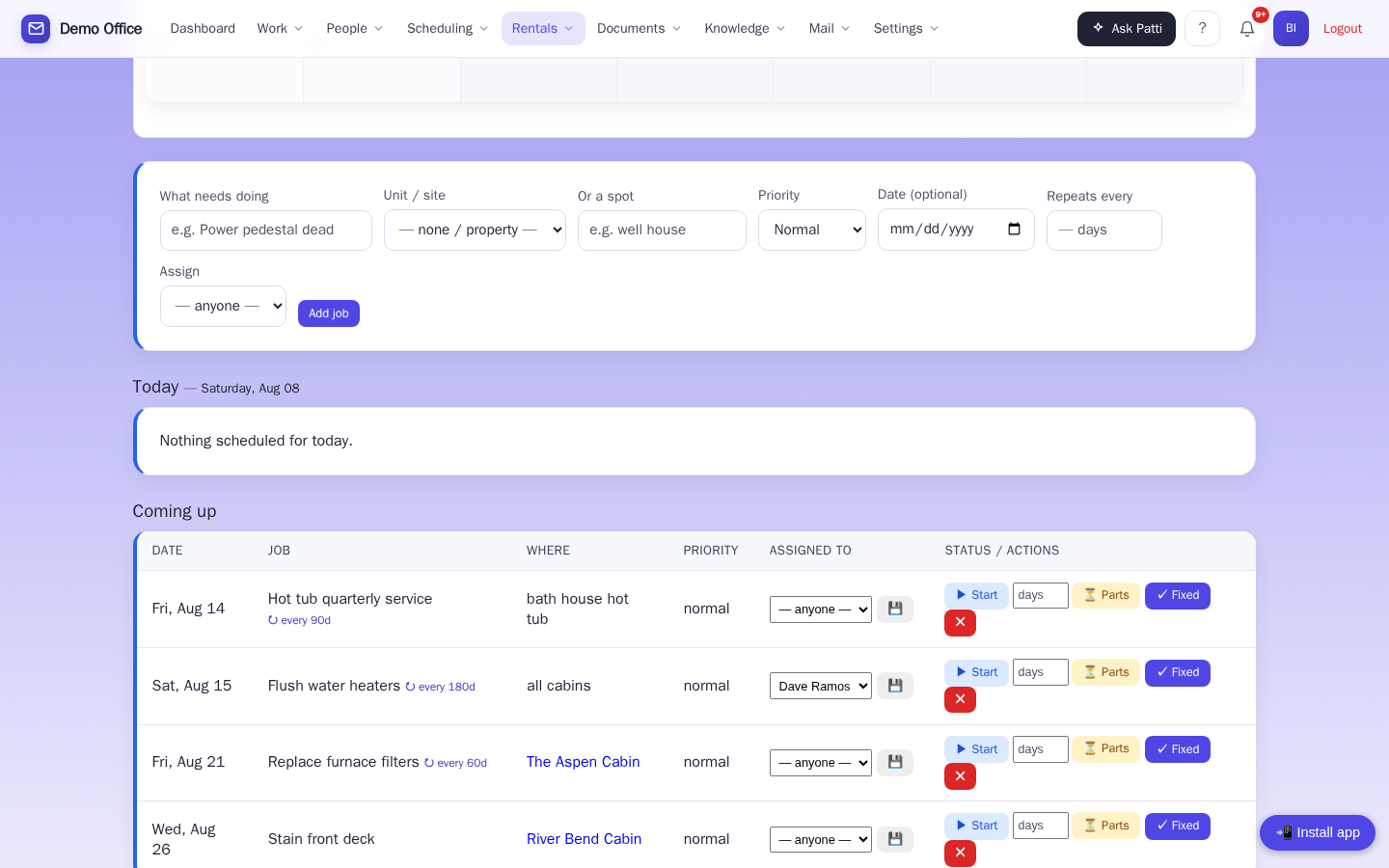
🧮 The crew’s texts are a timeclock
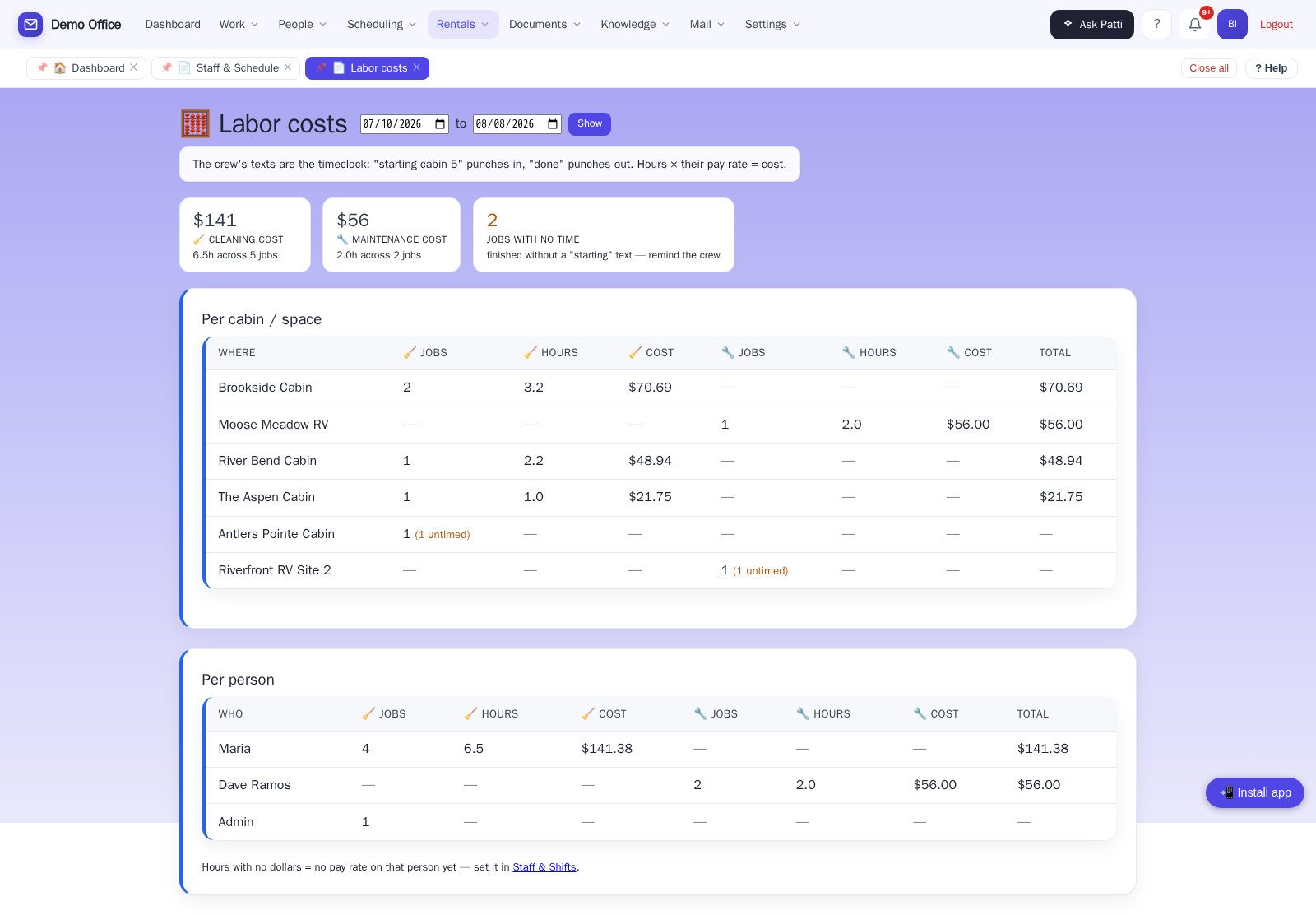
What does cleaning cabin five actually cost you? Patti knows — because your cleaner texted her when she started. “Starting cabin 5” punches in; “cabin 5 done” punches out. Nobody fills in a timesheet — the texts your crew already sends are the timekeeping. Hours × each person’s pay rate, and you finally see what turning over Brookside actually costs, per cabin and per person, cleaning and maintenance side by side.
- Cost per cabin and per person, over any date range
- A job finished without a “starting” text counts as a job but not hours — the page flags it instead of guessing
- Pay rates are admin-eyes-only; the crew never sees them
Uses the texting add-on. Pay rates and shifts live on the staff schedule — the same one your booking page and cleaning board read from.
✉️ The mail nobody writes in to ask for
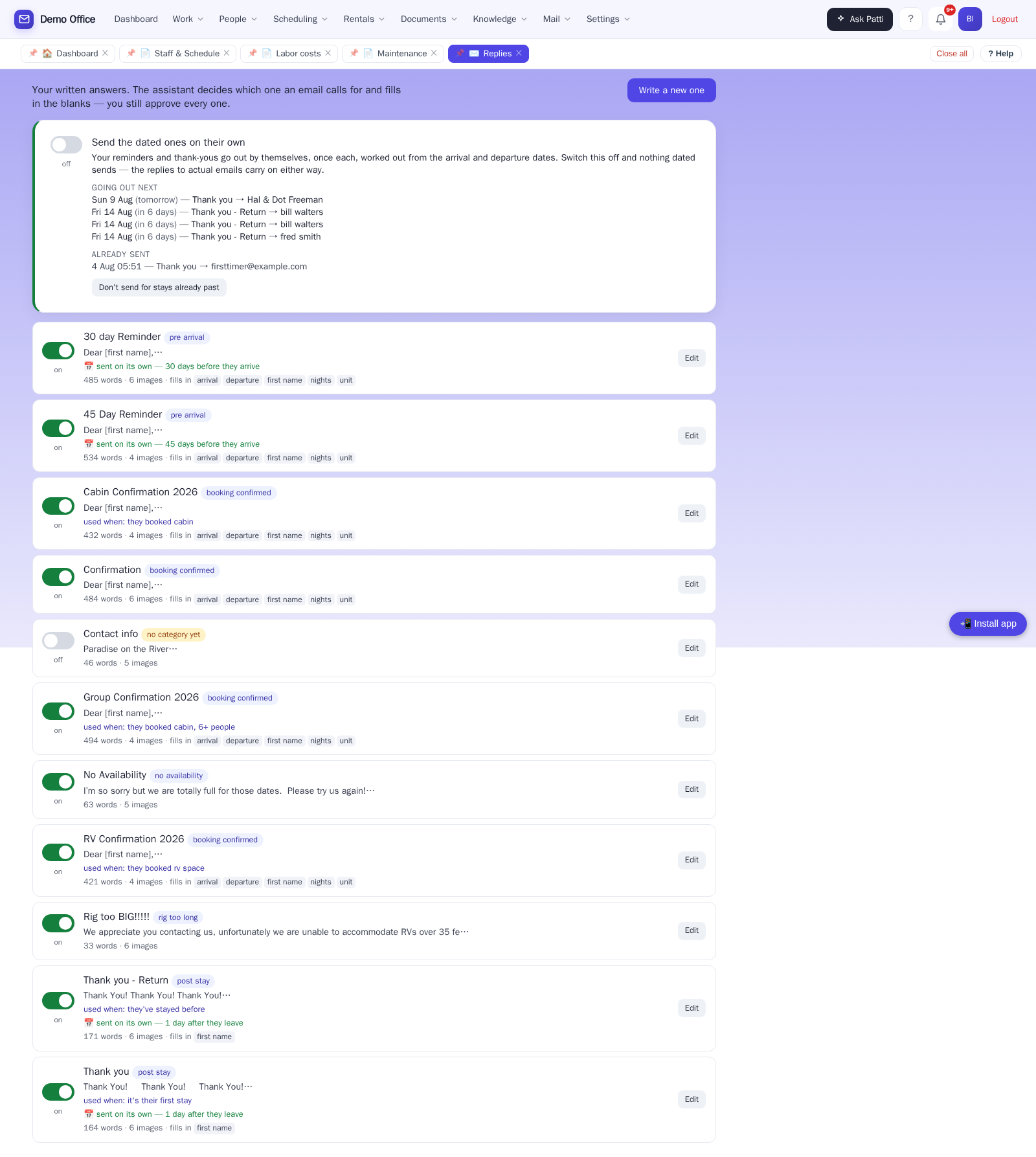
The 45-day reminder before arrival. The 30-day letter. The thank-you after checkout — a different one for returning guests, because Patti recognizes them. You write each letter once, set the schedule, and from then on they go out by themselves. Until now, somebody kept a diary and did this by hand.
- Each booking gets each letter exactly once — a guest is never thanked twice
- A letter with a blank Patti can’t fill simply doesn’t send — nothing goes out reading “arriving on [arrival]”
- Switching it on doesn’t blast the history — old stays are quietly skipped
- “Going out next” and “already sent” on one page, so nothing is taken on trust
🔔 Patti notices when something slips
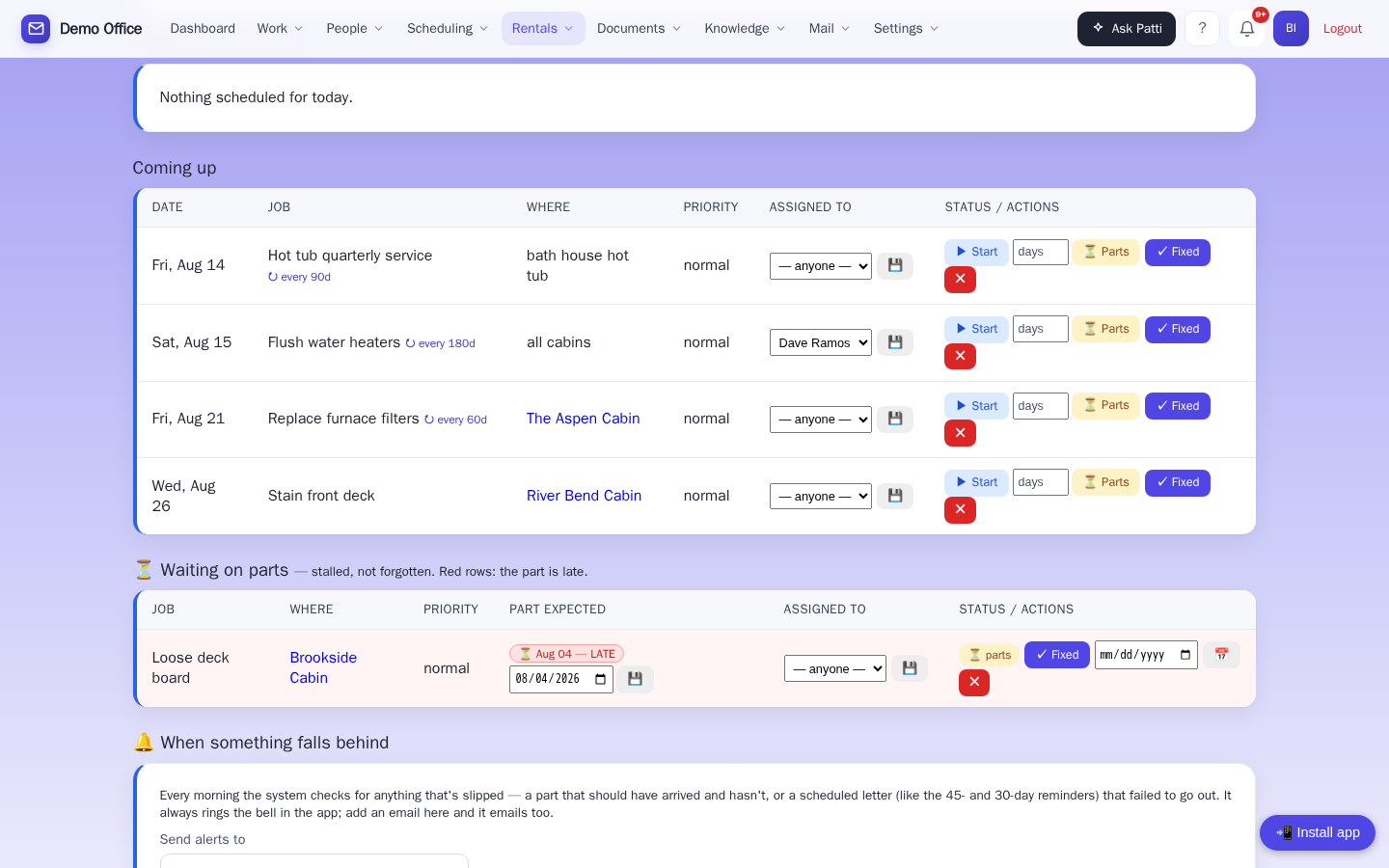
Anyone can promise to do the work. Patti tells you when the work is late — before the guest finds out. When a repair is waiting on a part, the expected date is on the job (your handyman can set it by text: “parts for site 47, 7 days”). If it comes and goes, Patti raises it — a bell in the app and an email to the address you set in one “Send alerts to” box, and the job turns red on the board. A letter that fails to send gets reported the same way.
- Each slip is reported once — not nagged about daily
- One place to set the alert address, for everything
- Nothing fails silently
The check runs each morning, not minute-by-minute.
🖨️ The morning report, ready to hand out
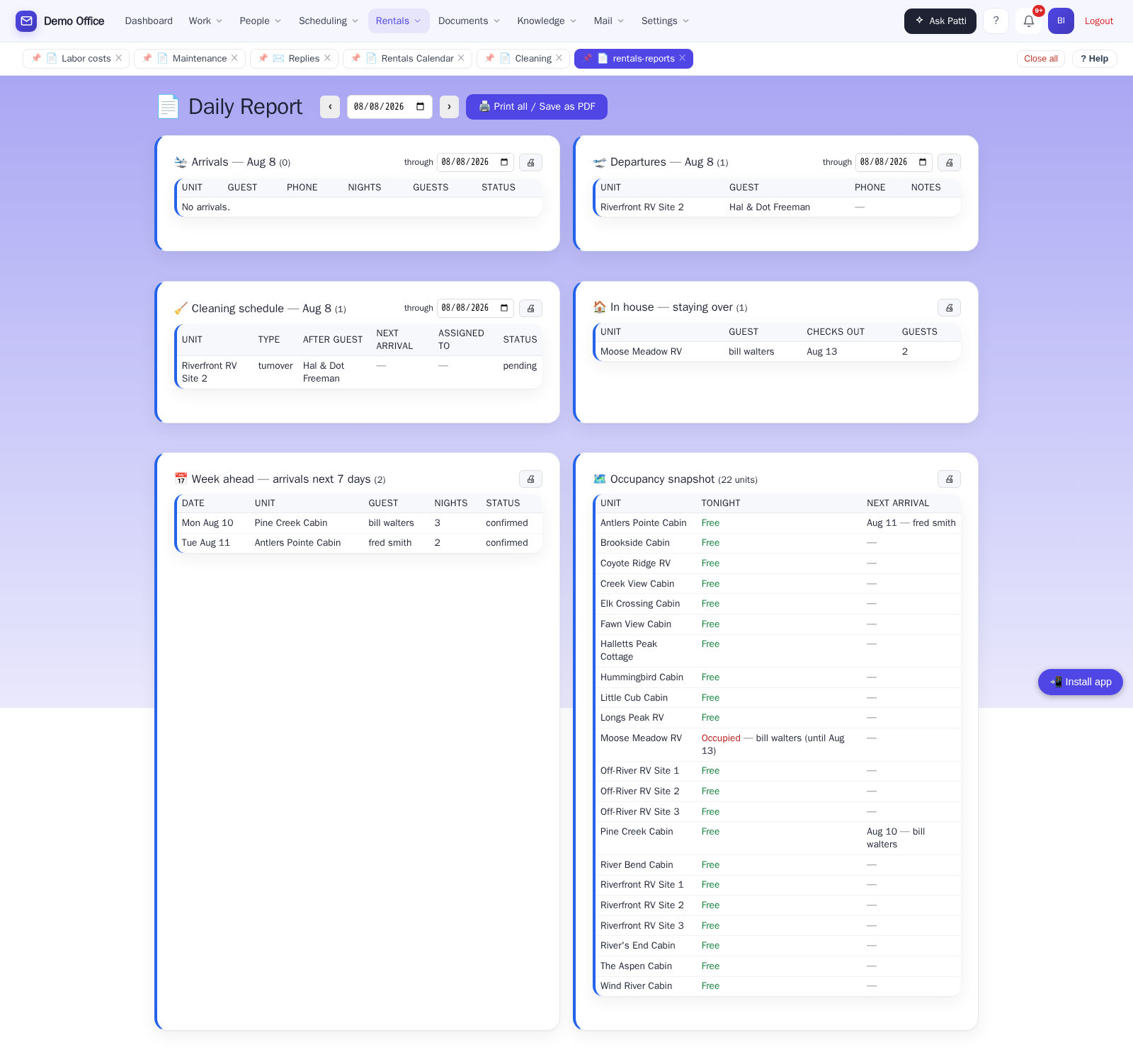
Arrivals, departures, cleaning, in-house guests, the week ahead, and occupancy — printable for any date range. Print just the cleaning section and hand it to the supervisor.
One calendar, no double-bookings
Reservations made on the major booking sites — Airbnb, Vrbo, Booking.com — land on the same calendar automatically and can’t be double-booked. Setup is pasting one link from each site. Nothing technical.
Answers with real availability
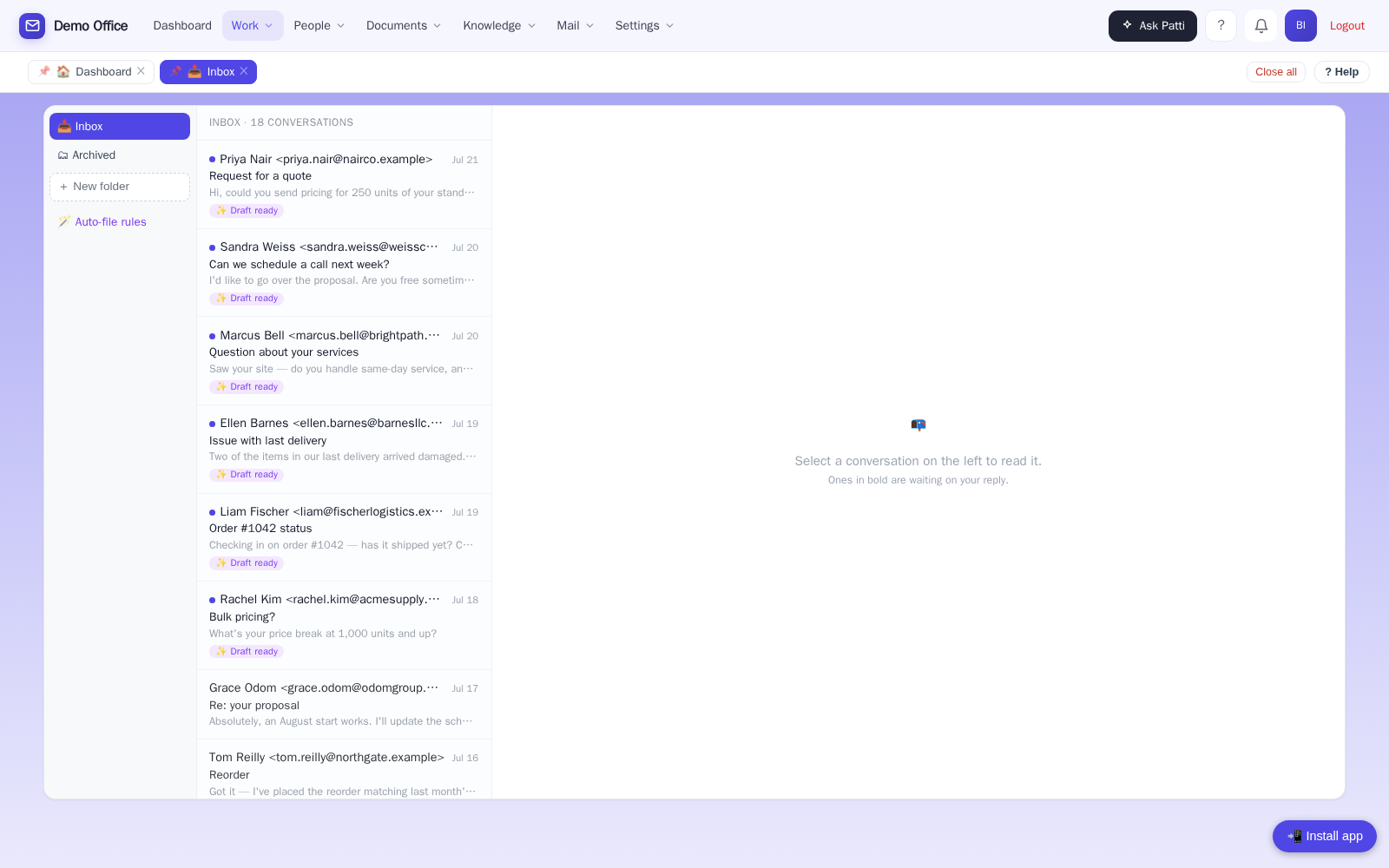
A guest asks “is the cabin open the week of the 10th?” — on your website chat or by email — and gets a real answer, including which nights are open.
Website booking, office-confirmed
Guests request dates on your website; your office confirms the hold. Professional emails go out at every step.
Fees done right
Extra-guest fees, pet fees, custom fees — resort fee, hot tub fee — each business turns on only what it charges. Pet count and breed are captured right at booking.
Your units, your way
Set up each cabin, site, or property with photos, pricing, and minimum nights.
Guests who come back
Patti remembers returning guests — their stays, their dog’s name — so your welcome feels personal.
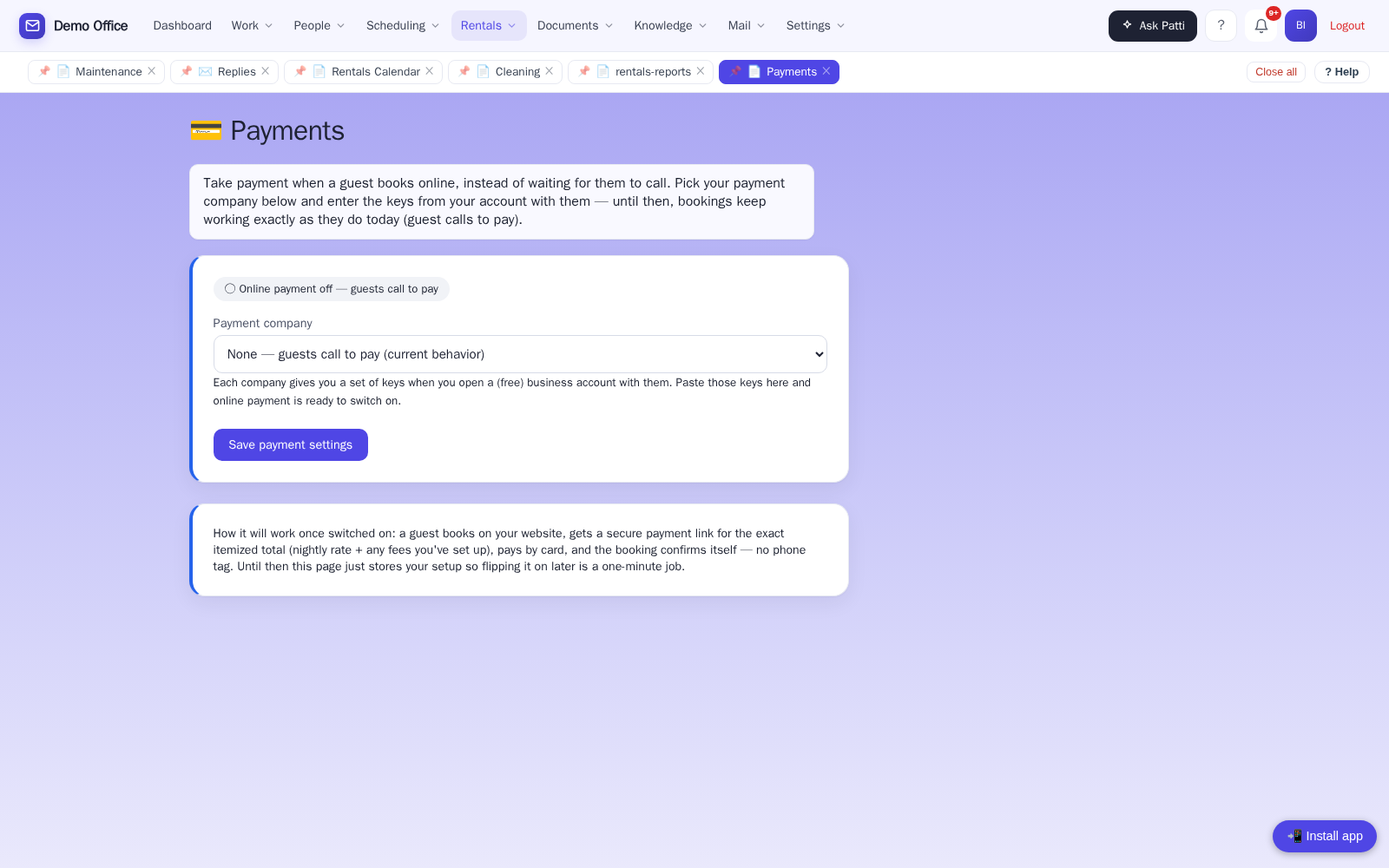
💳 Ready for online payments
When you’re ready to take cards online, pick PayPal, Stripe, or Square and enter your keys — online payments are available, and we do the switch-on with you.
Here’s how a booking actually happens.
- 11:04pm — A guest asks about a lakeside cabin for Labor Day weekend. Patti drafts a reply with the nights that are open and your rates.
- 7:30am — You approve the reply from your phone over coffee. It sends from your address.
- 9:15am — The guest books on your website. The office confirms the hold; the guest gets a professional confirmation email.
- Checkout day — A turnover appears on the cleaning schedule and your cleaner gets a text. When the cabin’s ready, they text back. Done.
Your front desk never sleeps. You still get to.
See the occupancy calendar, the cleaning and maintenance texts, and a real guest email answered — in a live demo built around a working resort setup.